
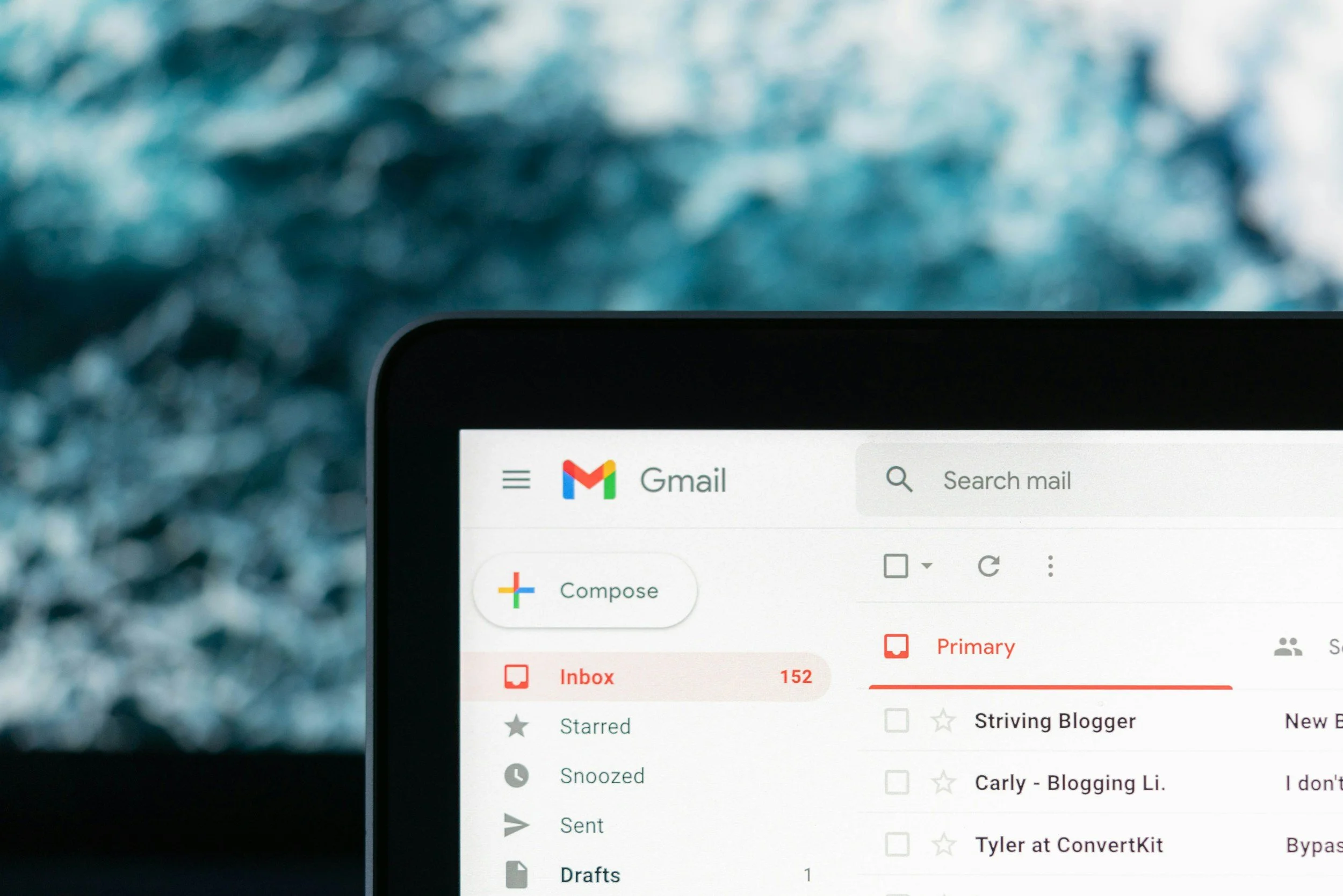
Managing Client & Candidate Email Overload So You Can Get Back to Business
Drowning in client and candidate emails?
If you’re running a small recruitment agency or managing recruitment for your business, your inbox can quickly become unmanageable. Between applications, client updates, interview scheduling and constant follow-ups, email chaos is one of the biggest challenges recruiters face.
This blog shares practical, easy-to-implement tips to help you manage a busy recruitment inbox, streamline communication and stay organised. From inbox structure and prioritisation strategies to templates and simple automations, you’ll learn how to reduce admin, save time and stay on top of high-volume candidate and client emails.
If you’re ready to reduce your stress and improve your recruitment workflow, read the full post to discover how to take control of your inbox and get back to revenue-generating work.

How to Create Email Templates for Frequently Asked Questions
Save Time and Streamline Your Customer Emails with Templates
If you’re spending hours answering the same questions over and over, email templates can be a game-changer. Not only do they save you time, but they also help your customers get the answers they need quickly, without feeling like they’re receiving a generic, robotic response.
Creating effective email templates for frequently asked questions is all about keeping your messages clear, professional, and easy to read.

10 Smart Ways to Manage and Organise Your Emails
If your inbox feels like an endless to-do list, you are not alone. Managing emails can be overwhelming, but it doesn’t have to be. With the right strategies, you can achieve the elusive Inbox Zero and keep it that way—without spending all day glued to your screen.